Updating SPR
How To Update?
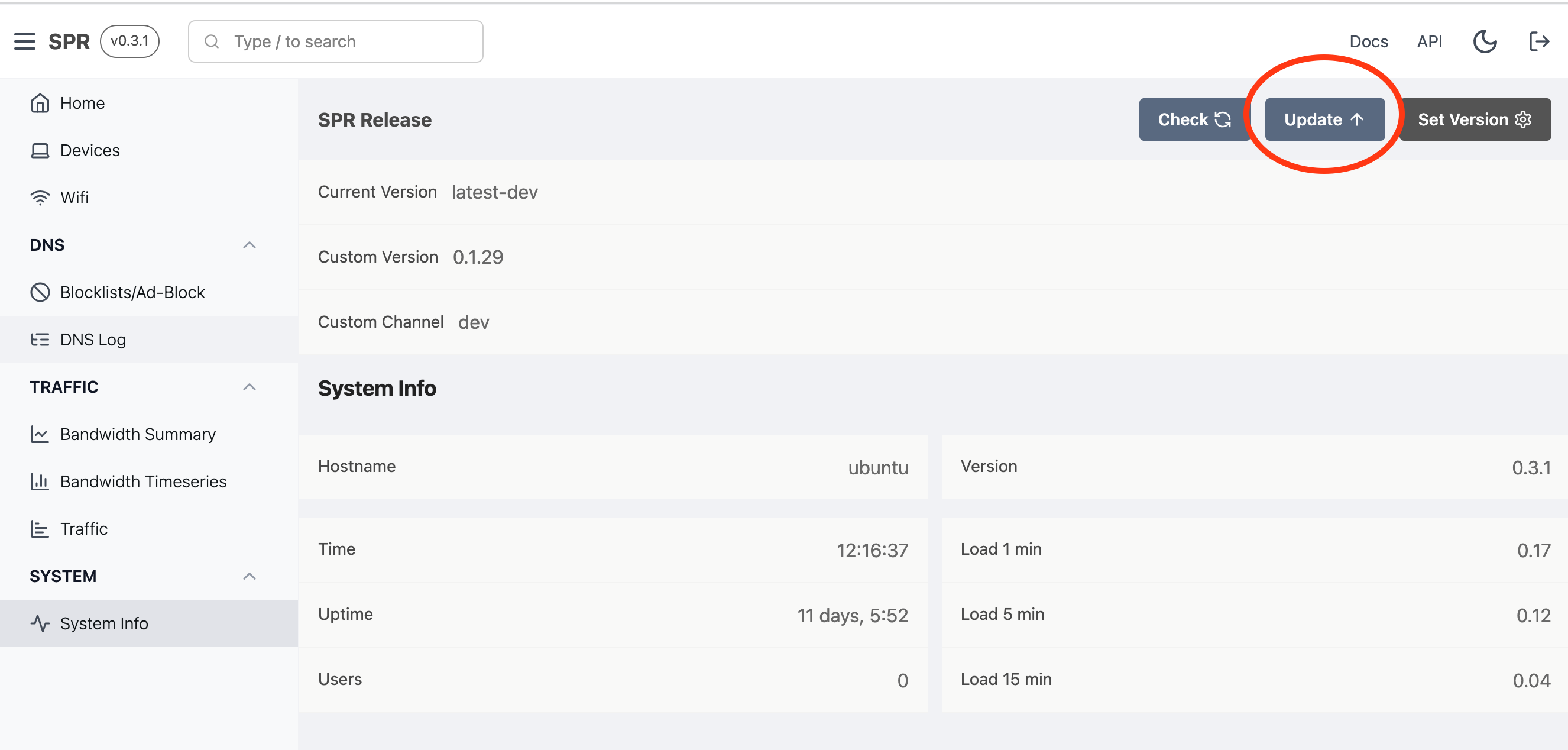
SPR can be updated from the System Info view
Auto Updates
Auto updates are not currently enabled and may be added in a future release.
Release Channels
The main release channel is main.
The dev branch publishes to the dev channel. This is not stable and not recommended outside of development.
It's also possible to roll back to a previous version by setting it.
Verified Updates
On the main channel, SPR verifies each image's Sigstore build attestation before
applying an update. When you update, superd resolves the digest of every image
the update would pull and checks its attestation against our public GitHub
Actions build workflow — first before pulling (aborting the update before
anything is downloaded if a check fails), then again against the digest actually
pulled. Any image that lacks a valid attestation, or whose attestation points at
a workflow we don't own, is rejected and the update fails.
The dev channel is not gated this way. See
Reproducible Builds & Build Attestation
for how attestation and reproducible builds work and how to verify them yourself.
Updating from the command line
sudo -s
cd /home/spr/super/
docker compose pull
docker compose up -d