PFW Programmable Firewall
PFW allows for advanced firewall rules using policy based and DNAT.
It can also be used to schedule actions on the router, like joining groups or receiving tags at a specified time.
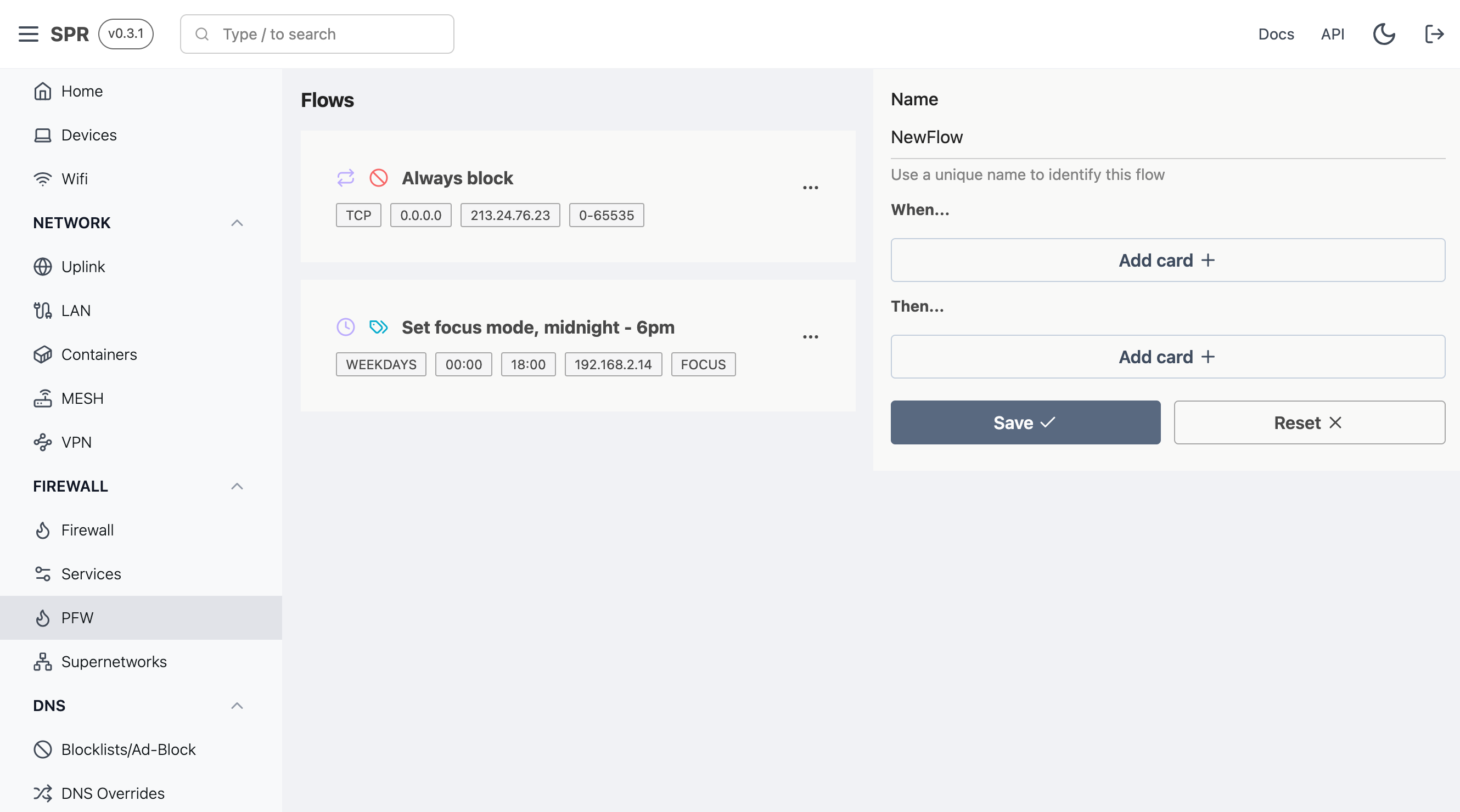
Configuration
Scheduled Tasks (Focus Mode)
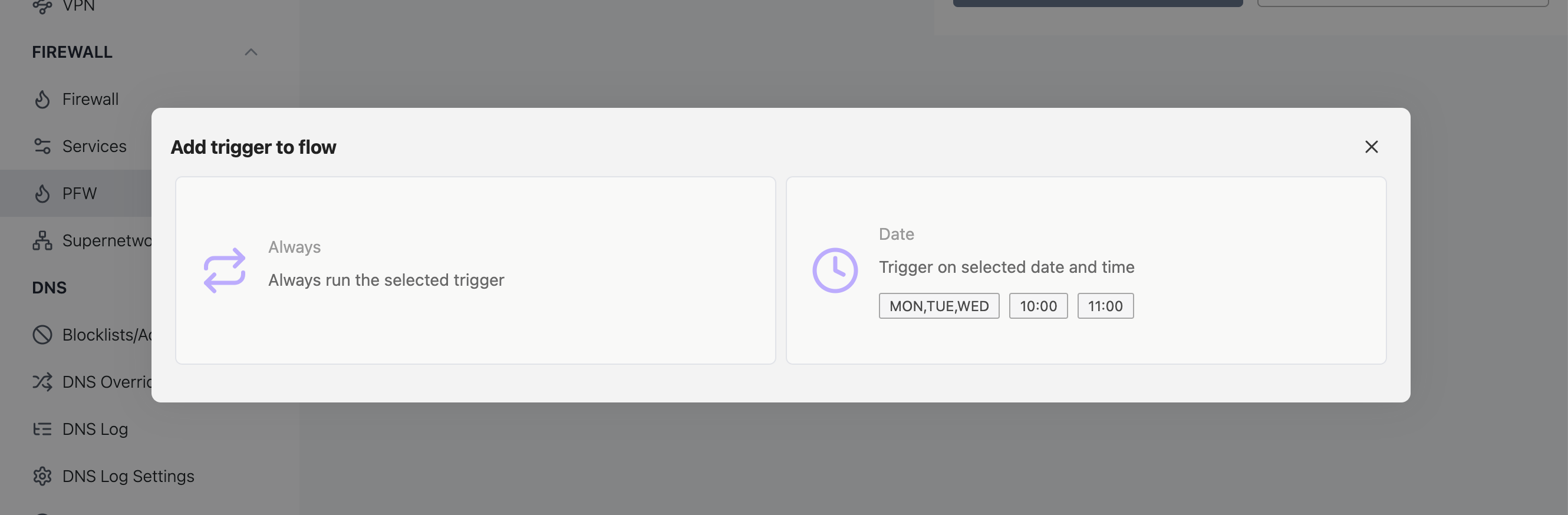
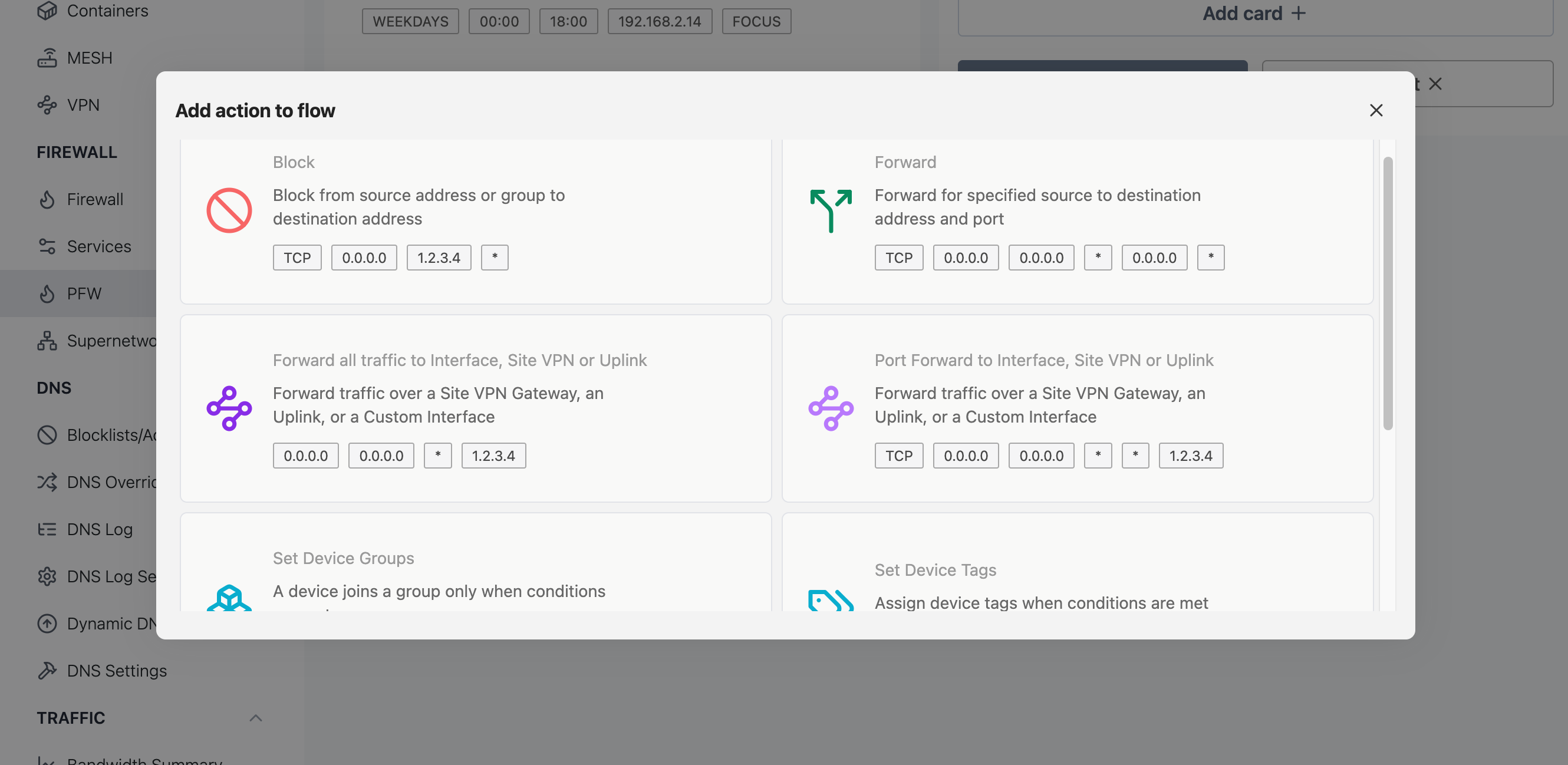
Every PFW rule pairs a trigger (when the rule is active) with an action (what it does). By choosing the Date trigger instead of Always, you turn any rule into a scheduled task: the action only takes effect on the days and time-of-day window you pick.
The Date trigger takes:
- days — one or more of
monthroughsun - from / to — start and end times in
HH:MMformat (atoearlier thanfromrolls over past midnight)
Because time-of-day windows can only be edited from the app, schedule these rules from your local network rather than remotely.
Focus mode: scheduled DNS block rules
The classic use case is a scheduled Block action — a "focus mode" that keeps distracting sites unreachable during set hours.
- Go to PFW (
/admin/pfw) and add a rule. - Pick the Block action and set its destination (Dst) to an IP/CIDR, a domain, or a
/regexp/. Leave Client as the source group or device you want the block to apply to, and leave DstPort empty to cover all ports. - Pick the Date trigger and set the days and the from/to window (for example
mon,tue,wed,thu,frifrom09:00to17:00).
Outside the scheduled window the block is inactive and the sites resolve normally, so the same rule can enforce work hours, homework time, or bedtime without you toggling anything.
Periodic router tasks
A separate Tasks view (/admin/pfw_tasks, under the Monitor menu) schedules recurring router jobs that publish task: events on a fixed frequency (5 minutes up to daily):
- Scan Wireless APs — periodically scan on a selected WiFi interface.
- Check Connectivity — periodically probe an IP or TCP destination to verify uplink connectivity.
These are timers for background maintenance rather than firewall rules, but like PFW rules they run on the PFW extension's scheduler and require PLUS.